
How to Build a Shared Medication Calendar for Family Caregivers
Medication Reminder Calculator
Calculate Your Optimal Reminder Time
According to the American Pharmacists Association, 68% of medication errors happen when reminders are too close to dosing time. Setting reminders 15 minutes before the actual dose time allows time for preparation and reduces missed doses.
Why 15 minutes? This buffer time accounts for activities like getting water, checking for side effects, or taking medication with food as recommended by your healthcare provider.
Your recommended reminder time:
--:--
Set this reminder 15 minutes before your medication dose time to ensure you have time for proper preparation and to reduce missed doses.
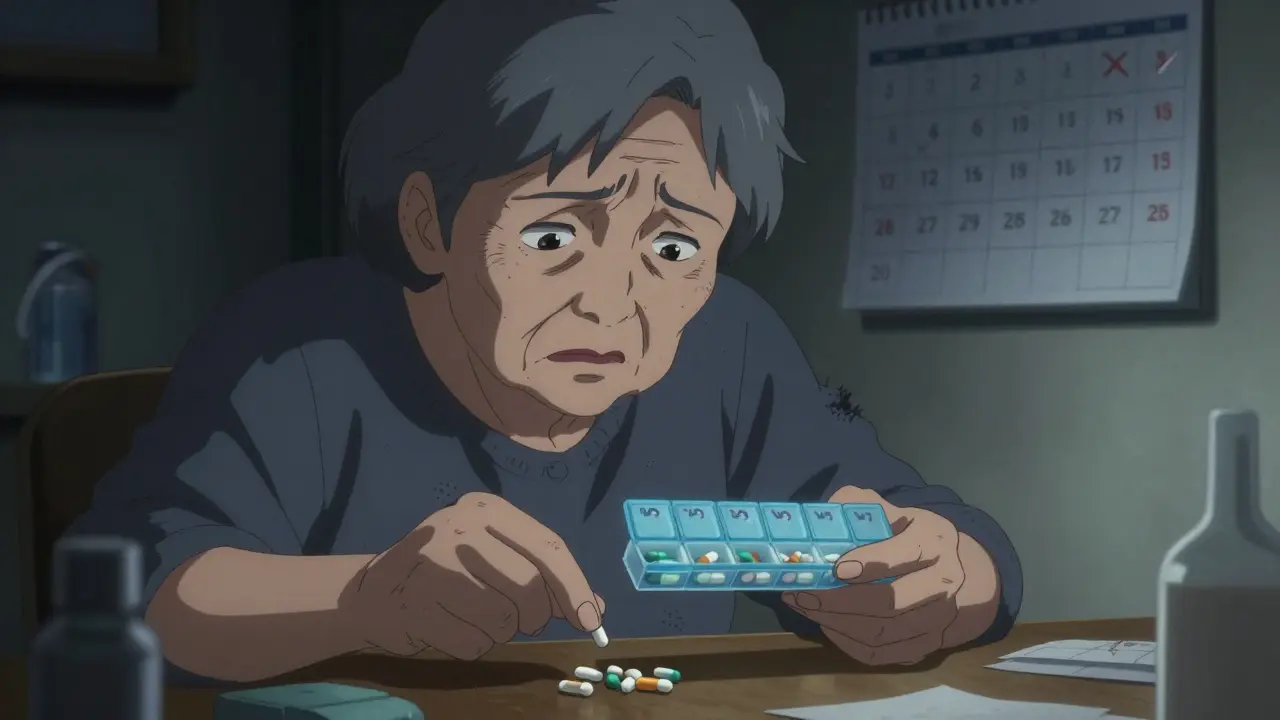
Every year, over 125,000 Americans die because they miss their medication doses. It's not just a statistic-it's a problem families face daily. A shared medication calendar can change that.
What is a Shared Medication Calendar?
A shared medication calendar is a digital tool that lets multiple people coordinate medication schedules, appointments, and care tasks for someone needing help. Unlike a regular calendar, it's built for healthcare coordination. Think of it as a central hub where family members, doctors, and caregivers all see the same schedule. This prevents missed doses, dangerous drug interactions, and ensures everyone knows their role. The concept became popular as smartphones became widespread, making it easy to share updates in real time.
Why It Matters
Medication non-adherence isn't just inconvenient-it's deadly. According to the National Institutes of Health, it causes 125,000 deaths yearly and costs the U.S. healthcare system $100 billion to $289 billion. For caregivers, this stress is real. Over 53 million Americans provided unpaid care in 2020, worth $470 billion in services. A shared calendar reduces this burden by distributing tasks and preventing errors. Johns Hopkins Medicine found that 78% of medication errors in older adults can be prevented with proper scheduling and tracking. This isn't just about convenience-it's about safety.
Key Features to Look For
Not all calendars are created equal. Here's what to prioritize when choosing a system:
| Platform | Key Features | Best For | Limitations |
|---|---|---|---|
| Google Calendar | Free, universal access, customizable reminders | Basic scheduling needs | Lacks drug interaction checks; manual entry required |
| Apple Calendar | Seamless iOS integration, Siri voice commands | iPhone users only | Hard to coordinate with Windows users |
| Microsoft Outlook Calendar | Enterprise integration, Exchange Server support | Business environments | Steep learning curve for non-tech users |
| Medisafe | Drug interaction warnings for 650,000+ combinations, HIPAA-compliant storage | Complex medication regimens | Premium required for multi-user access |
| CareZone | Pharmacy integration, emergency contact cards | Pharmacy coordination | Lower usability scores for seniors |
| Caily | Task assignment for household chores, 15-minute reminder increments | Multi-task caregivers | Sync issues between iOS and Android |
Specialized healthcare apps like Medisafe and CareZone fill critical gaps. For example, Medisafe's drug interaction database covers 98% of U.S. prescriptions. Meanwhile, CareZone's pharmacy integration automatically imports prescription data, saving hours of manual work. But remember: free tools like Google Calendar might seem convenient, but they lack safety features that prevent dangerous mistakes. A 2022 Johns Hopkins study showed medication-specific apps reduce missed doses by 47% compared to general calendars.
Step-by-Step Setup Guide
Setting up a shared calendar depends on your platform. Here's how to get started:
Google Calendar: Go to calendar.google.com, click Settings > Sharing > Add people. Enter emails of family members or caregivers. Create a new calendar specifically for medications (not your personal calendar). Set reminders 15 minutes before each dose time. Test notifications to ensure everyone receives alerts.
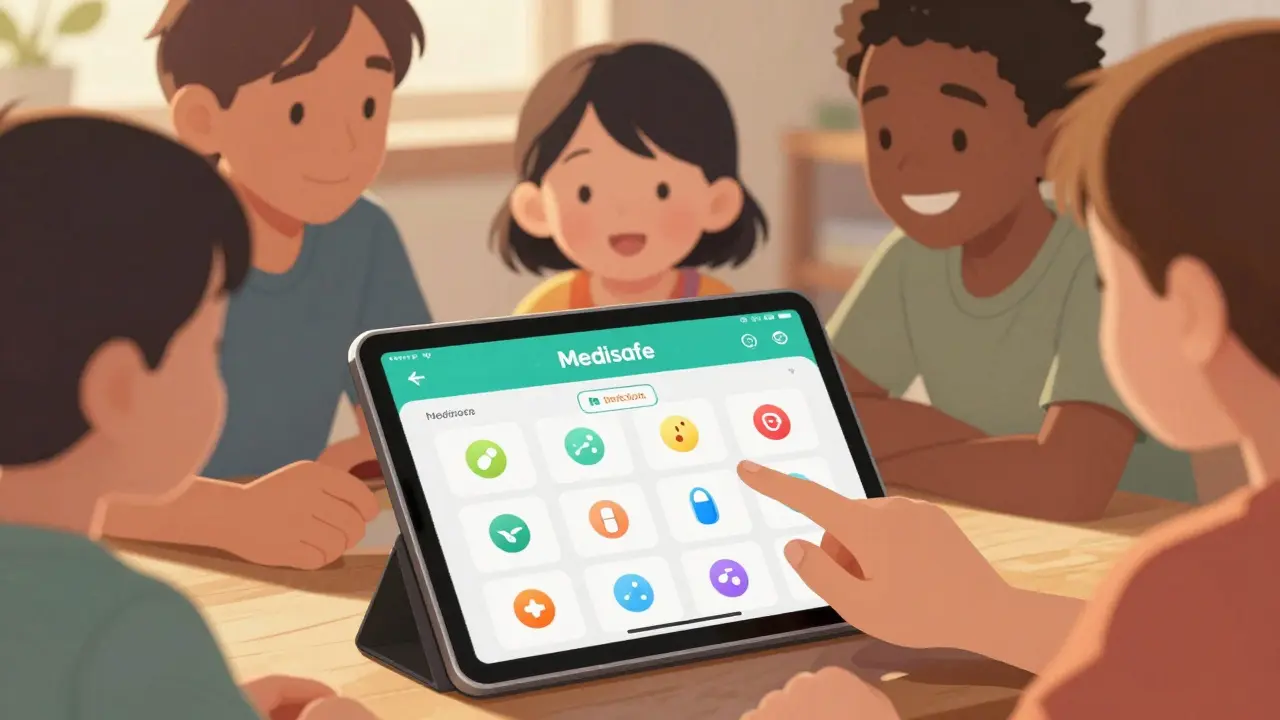
Medisafe: Download the app from the App Store or Google Play. Create an account, then go to Settings > Care Circle. Invite others via email. Enable the drug interaction feature in settings. Add medications with exact dosages and times. Medisafe will automatically warn about dangerous combinations.
CareZone: Open the app, tap "Add Person" under the Care Circle section. Share the invite link. Import prescriptions by scanning barcodes or entering details manually. Set up pharmacy alerts to notify when refills are needed. Use the emergency card feature for quick access to medical info.
Remember: designate a "calendar captain" to maintain the schedule. University of Michigan research found this reduces coordination failures by 63%. Also, create a physical backup schedule for older adults who may not use tech.
Family Coordination Tips
Technology alone won't solve everything. Here's how to work together:
- Hold a family meeting: Discuss roles before setting up the calendar. Who will handle refills? Who checks for side effects? Assign clear responsibilities.
- Use consistent reminders: Set alerts 15 minutes before doses to allow time for preparation. Avoid "just in time" reminders that leave no buffer.
- Check time zones: If family members live in different regions, ensure time zone settings are correct. 28% of long-distance caregivers face issues here.
- Review weekly: Schedule a 10-minute check-in each week to update the calendar. This prevents missed changes and builds trust.
Dr. Laura Gitlin, Dean of Jefferson College of Health Professions, emphasizes: "A shared calendar isn't just about reminders-it's about creating a care ecosystem where responsibility is distributed equitably. This reduces caregiver burnout, which affects 40-70% of family caregivers."

Common Mistakes to Avoid
Even with the best tools, errors happen. Watch out for these pitfalls:
- Ignoring privacy concerns: 68% of older adults worry about family members accessing their health data. Always ask permission before adding someone to the calendar.
- Over-relying on tech: Dr. Richard Frankel warns that 23% of medication errors happen when users ignore reminders. Keep a physical backup list for emergencies.
- Not checking drug interactions: Only 32% of shared calendars properly configure reminders relative to food intake. This can reduce medication efficacy. Use apps like Medisafe that automatically check interactions.
- Skipping setup steps: Manual entry errors cause 41% of notification issues. Double-check all medication details before sharing.
Future of Medication Management
The field is evolving fast. Medisafe's new AI predicts missed doses with 89% accuracy by analyzing 1.2 billion medication events. Google's Healthcare Mode for Calendar (launched June 2023) simplifies sharing for medical contexts. Apple's iOS 17 now automatically creates medication schedules from prescription data. By 2027, 95% of healthcare systems will offer integrated solutions, according to Gartner. But challenges remain: 52% of older adults still have privacy concerns, and only 38% of current systems handle complex regimens well. The key is balancing tech with human oversight.
Frequently Asked Questions
Can I use a regular calendar app for medication tracking?
Yes, but with caveats. General calendar apps like Google Calendar can track medication times, but they lack healthcare-specific features like drug interaction warnings. Johns Hopkins Medicine found that 78% of medication errors in older adults can be prevented with proper scheduling and tracking. However, without medication-specific tools, you risk missing critical safety checks. For complex regimens, a dedicated healthcare app like Medisafe or CareZone is better.
How do I handle privacy concerns with family access?
Start by discussing boundaries with the person receiving care. Most platforms allow custom access levels-for example, restricting some family members to view-only permissions. Medisafe and CareZone let you control who sees which details. The National Council on Aging's 2023 guidelines state: "Only share health information with people who absolutely need to know." Always respect the individual's privacy preferences.
What's the best app for someone with complex medication schedules?
Medisafe leads for complex regimens. It handles multiple daily doses, food requirements, and drug interaction checks for 98% of U.S. prescriptions. Its internal testing shows 98.7% accuracy in dose tracking. For families needing task coordination beyond meds (like grocery runs), Caily is a strong alternative. Always test the app with a healthcare provider first-especially for high-risk medications like blood thinners or chemotherapy drugs.
How do I set up reminders correctly?
Set reminders 15 minutes before the actual dose time. This accounts for preparation-like getting water, checking for side effects, or taking food. According to the American Pharmacists Association, 68% of medication errors happen when reminders are too close to dosing time. Also, configure notifications to repeat if missed (e.g., "Remind me again in 30 minutes"). Test all settings before sharing with others.
What if family members have different time zones?
Enable time zone settings in your calendar app. Most platforms like Google Calendar and Apple Calendar automatically adjust for time zones when sharing. For example, if a dose is at 9 AM EST, a family member in California will see it as 6 AM PST. Double-check this setting during setup. If using a healthcare-specific app like Medisafe, ensure location-based reminders are enabled. This avoids confusion for long-distance caregivers-28% of them face time zone issues without proper configuration.
Lakisha Sarbah
February 7, 2026 AT 22:21Hey y'all, this shared med calendar thing is so needed.
My grandma was missin doses all the time.
Now with a shared cal, everyone knows what to do.
Just gotta set reminders right.
Misspellings like 'cal' for calendar.
Ariel Edmisten
February 9, 2026 AT 09:54Using a shared calendar cuts down on mistakes.
It's simple and effective.
Everyone should use it.
Niel Amstrong Stein
February 11, 2026 AT 07:28Man, this shared med calendar thing is such a game-changer.
You know, it's not just about keeping track of pills.
It's about community, right?
Like, when my aunt was sick, we all used a shared calendar and it really brought us together.
The fact that it can prevent deaths? That's huge.
I mean, 125k deaths a year is insane.
And it's not just about the tech-it's about human connection.
We all need to be on the same page. 🌍 Like, when you see someone else's reminder, it's like 'hey, we're in this together'.
Also, the drug interaction checks? That's lifesaving.
I've heard stories of people taking meds that clash and it's scary.
But with apps like Medisafe, they warn you.
So yeah, this is more than just a calendar. It's a lifeline. 💊❤️
Paula Sa
February 12, 2026 AT 07:10I love how you framed it as community.
It's true-this isn't just about the tech, but about people caring for each other.
I've seen how when everyone's on the same page, it reduces stress so much.
It's like a team effort where each person's role matters.
So simple yet so powerful.
Mary Carroll Allen
February 13, 2026 AT 12:03This is such a lifesaver! I've been struggling with my mom's meds, and a shared calendar has made all the difference.
But man, I had to set it up right-like, double-checking every single thing.
It's not just about putting in the times, but also the interactions.
Like, if she's on blood thinners, you gotta be careful.
But once it's set up, it's smooth sailing.
Just make sure you don't skip the setup steps.
I learned that the hard way. 😭
Joey Gianvincenzi
February 14, 2026 AT 22:28This is a matter of public health necessity.
The statistics presented are alarming and demand immediate action.
I must emphasize that utilizing a shared medication calendar is not merely a convenience but an imperative for patient safety.
The data from Johns Hopkins is unequivocal.
Failure to implement such systems is tantamount to negligence.
Amit Jain
February 16, 2026 AT 09:26You all are so naive. This 'shared calendar' thing is just another tech fad.
People forget to take meds because they're lazy, not because they don't have a calendar.
We shouldn't rely on apps. Phones die and apps crash.
It's all smoke and mirrors.
The real solution is for families to communicate face-to-face, not through some digital gimmick.
This is why healthcare is broken.
Sarah B
February 16, 2026 AT 15:26This is life saving Period
Tola Adedipe
February 17, 2026 AT 07:48I agree with the setup guide.
But let's talk about the pharmacy integration part.
CareZone is great, but sometimes it's too complicated for seniors.
We need a simpler version.
We need to make sure everyone can use it, not just tech-savvy people.
Let's work together to improve this.
Eric Knobelspiesse
February 17, 2026 AT 22:42Hmm, interesting.
But let's think deeper.
A shared calendar may not be the solution.
We might be just putting a band-aid on a deeper problem.
The real issue is systemic healthcare failures.
But hey, it's better than nothing.
Just saying, maybe we should address root causes too.
People miss doses for various reasons.
But yeah, this is a start. 😅
Heather Burrows
February 19, 2026 AT 13:01This seems like a lot of work.
It's better to have doctors handle it.
Family members can't be trusted to keep track.
I've seen how messy things get.
It's easier to just let professionals do it.
But okay, if you want to do it, fine.
Just don't blame me if it fails.
Ritu Singh
February 20, 2026 AT 11:44This initiative is commendable.
However, we must ensure inclusivity across all demographics.
Many elderly individuals may not be familiar with digital tools.
Therefore, a hybrid approach combining digital and physical systems is essential.
Additionally, cultural considerations must be integrated to ensure the system is accessible to diverse communities.
Let us work together to create a solution that serves everyone.
Mark Harris
February 21, 2026 AT 20:19This is awesome!
Seriously, setting up a shared calendar is a game-changer for families.
It's simple, it works, and it saves lives.
I've used it with my mom and it's been a lifesaver.
Everyone should try it-no excuses!
Let's get this done. 💪